Expert guides, tips, and insights for game server hosting, optimization, and community building.

Give your server an address like play.yourdomain.com: add an A record and an SRV record, and Java players join without typing a port.

Move your co-op world to a dedicated server: find it on your PC, take it off Steam Cloud, upload the right files and match the world name.
Upload mod folders, copy the .bikey keys, set the -mod load order and add modded loot to types.xml, plus fixes for the errors that kick players.
Get your server listed with a GSLT, pick game modes, install Metamod and CounterStrikeSharp, load Workshop maps and set up a practice config.

Claim your server, upload your save in the Server Manager or with the file manager, bring your blueprints along and keep building together.

Run an always-on ETS2 convoy: export server packages, set your lobby, password and moderators, and keep the same search ID after every restart.

Set your bot up in the Developer Portal, keep its token safe and run discord.js or discord.py code on a server that restarts it after every crash.

What every important Palworld server setting does, three ready-made presets, and how to edit PalWorldSettings.ini without your changes disappearing.
Install, configure and reload Rust plugins with Oxide or Carbon, hand out permissions and groups, and keep plugins working through monthly updates.

Set up GeyserMC and Floodgate so friends on phones, Windows and consoles can play on your Java server, with the right port and login settings.
Export your mods as a mod pack, upload them and your world, keep everyone on the same tModLoader version and fix the most common modded server errors.
Install Valheim mods on your dedicated server with BepInEx: which mods go on the server, the client or both, and how to keep everyone's versions in sync.
Find the error in your console, then fix the nine causes behind nearly every Minecraft server that won't start, from the wrong Java version to a damaged world.
Upload a resource, import its SQL, add it to server.cfg in the right order and restart, plus fixes for escrow and the most common console errors.

XP, taming, harvesting and breeding rates for small groups, PvE and PvP servers, with copy-paste settings and which file each one goes in.
Workshop IDs vs Mod IDs, Build 42 vs Build 41, map mods and load order: how to add any Steam Workshop mod to your Project Zomboid server.
How much RAM your Minecraft server needs for vanilla, Paper, plugins and modpacks, by player count, and how to check real usage before you upgrade.

Hosting, player slots, Element Club, scripts and the database: what a FiveM server really costs, with three example monthly budgets.
Map, blueprint and full wipes explained: which files to delete, when forced wipe day is, and how to plan a wipe schedule your players can rely on.

Twelve games that are at their best on your own server, from Minecraft and Valheim to Palworld, Rust and Hytale, and what a server adds to each.

Hosting a game server on your own PC vs renting one: costs, setup, uptime, DDoS and performance, compared honestly.

Learn how to add RAM and disk to your game server instantly using this step-by-step guide.
This guide helps you install any Minecraft modpacks in minutes on SkailarHost: Includes common fixes (RAM, loader mismatch, stuck install).
Step-by-step guide to allow cracked Minecraft clients on SkailarHost by disabling online-mode safely, plus important security tips and recommended protection plugins.

Step-by-step txAdmin setup on SkailarHost: deploy the recipe, open txAdmin, finish setup, fix ports, and ensure your server shows & connects properly.

Learn where to find your SkailarHost SFTP host, port, and username, then connect with FileZilla, WinSCP. Fix common login, timeout, and permission issues.

Learn how to install ARK Survival Ascended mods on your dedicated server. Step-by-step setup, adding multiple mods, troubleshooting crashes, and performance best practices.

Step-by-step guide to join your ARK Survival Ascended server on PC, Xbox, and PlayStation. Fix server-not-showing issues, mod mismatches, and connection timeouts.
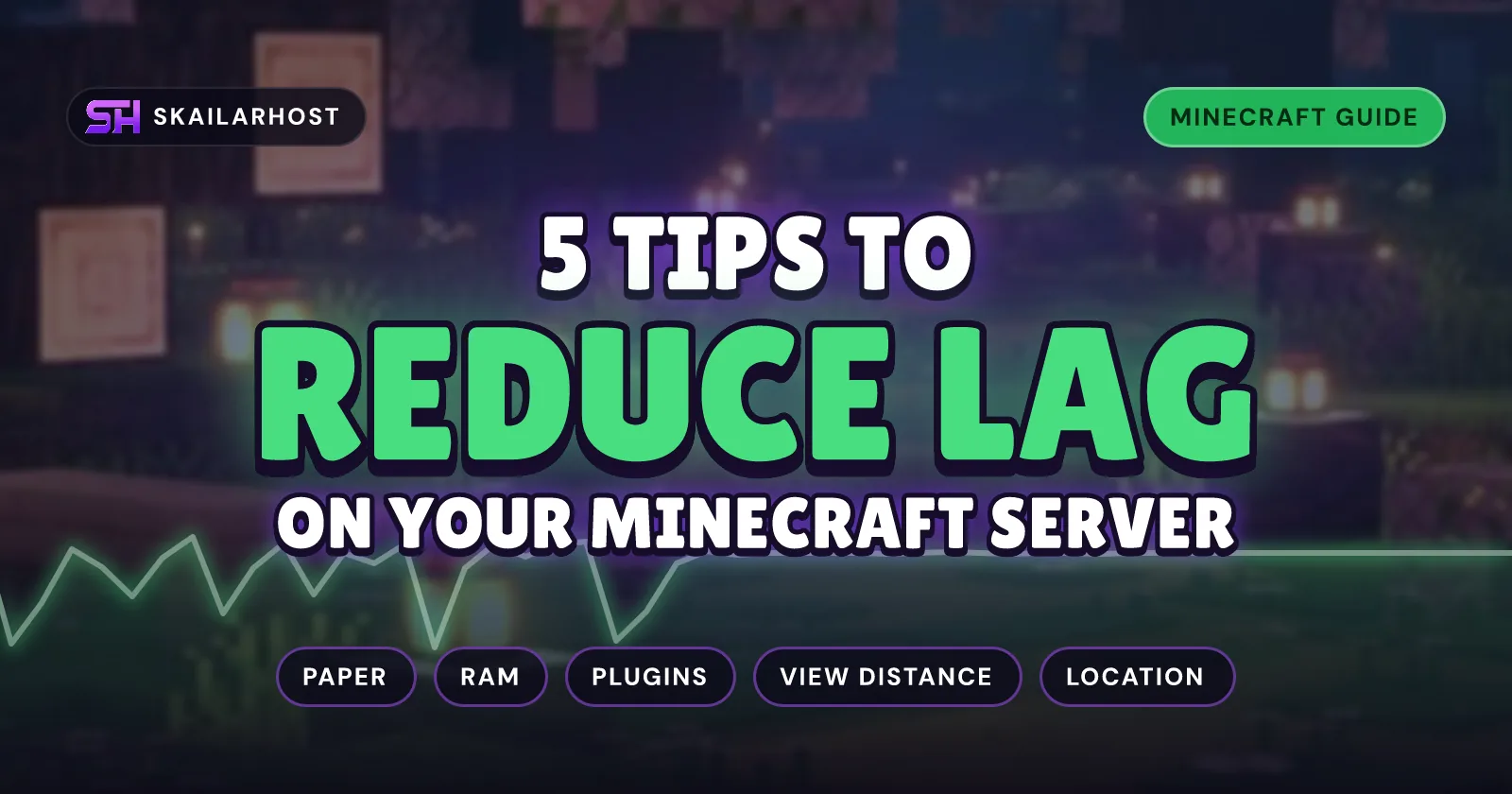
Struggling with lag on your Minecraft server? Discover 5 proven tips to boost performance, reduce delays, and give your players the smooth gameplay they deserve.
Get the latest gaming server tips and SkailarHost updates delivered to your inbox.