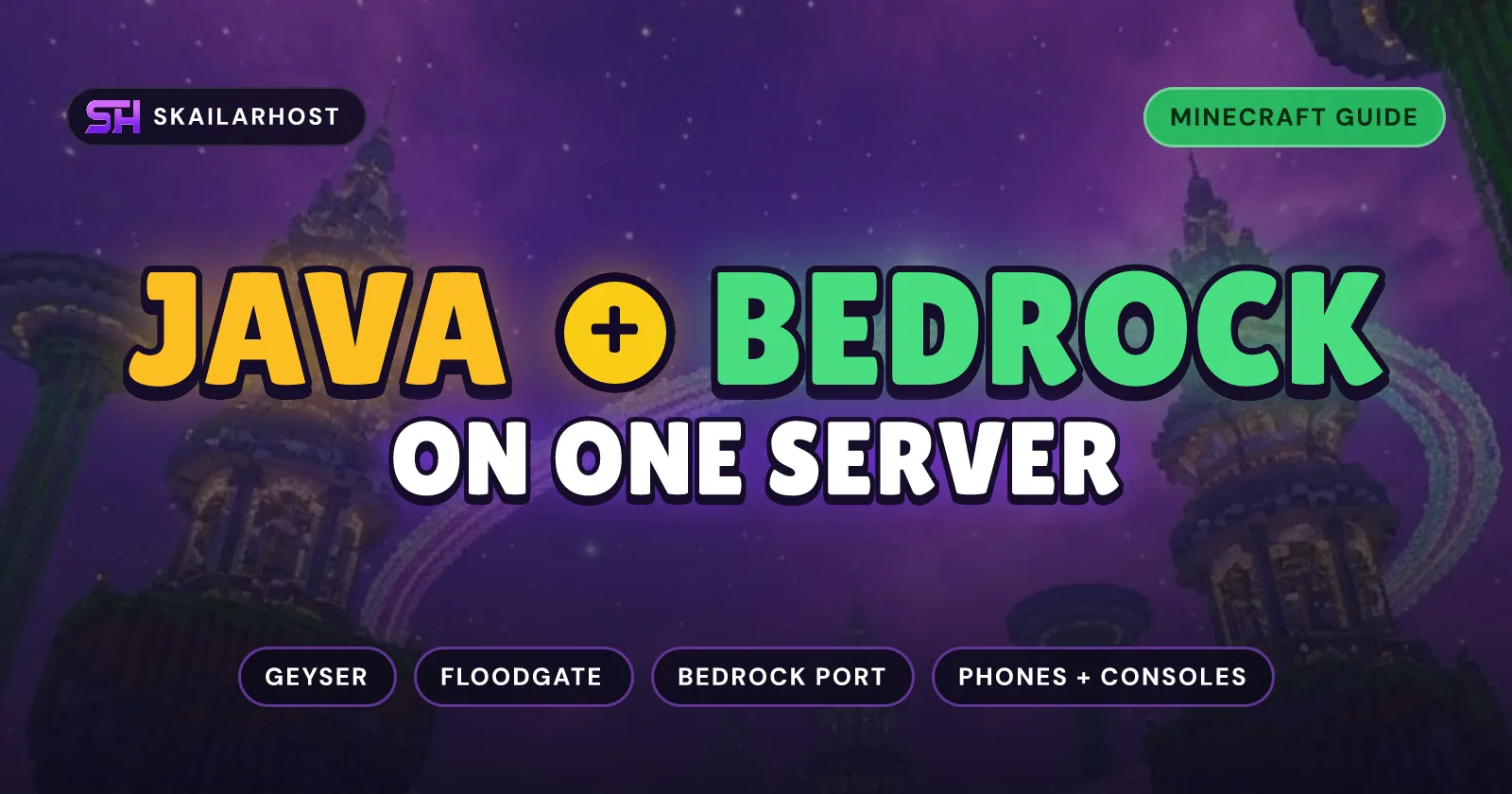
Some of your friends play Minecraft on PC with Java Edition, the rest on phones, tablets, Windows or consoles with Bedrock. Normally the two can't play together. GeyserMC changes that: install it on your Java server and Bedrock players can join the same world. Here's how to set it up.
On a Paper, Spigot or Purpur server, install the Geyser and Floodgate plugins and restart. Create a second allocation (an extra port) in your game panel, put that port in Geyser's config under bedrock, set auth-type: floodgate and restart again. Bedrock players add a server with your address and the new port. Keep the server on the latest Minecraft version, or add ViaVersion.
| Plugin | What it does | Needed? |
|---|---|---|
| Geyser | Translates between Bedrock and Java, so Bedrock players can join a Java server | Yes |
| Floodgate | Lets Bedrock players join with their Microsoft account, without owning Java Edition | Almost always |
| ViaVersion | Lets newer clients join a server that runs an older Minecraft version | Only on older versions |
Without Floodgate, Bedrock players would also need a Java Edition account to join. With it, they sign in with the Microsoft account they already play Bedrock with, and your server stays in online mode for Java players.
Install both from the panel's plugin installer if they're listed there. Otherwise, download the Spigot versions of Geyser and Floodgate from geysermc.org (they work on Paper and Purpur too), and upload both .jar files to your server's plugins folder.
The first start creates the config files: plugins/Geyser-Spigot/config.yml and plugins/floodgate/config.yml.
Geyser needs a port of its own. In your game panel, open Network and create a new allocation. Note the port number it gets: that's the port Bedrock players will use. Your Java port stays exactly as it is.
Stop the server and open plugins/Geyser-Spigot/config.yml. Set these settings like this, with your new allocation's port instead of 25570, and leave the rest as it is:
bedrock:
  port: 25570
  clone-remote-port: false

remote:
  auth-type: floodgate
clone-remote-port stays false, so Geyser listens on the port you set instead of copying the Java one, and auth-type: floodgate lets Bedrock players log in through Floodgate.
Start it and watch the console: Geyser logs a line when it has started and is listening for Bedrock players. Any red errors from Geyser or Floodgate usually point straight at the setting to fix.
.Steve by default, so their names can never clash with a Java player's.fwhitelist add Steve, which Floodgate adds for exactly this.Survival, building, redstone, chat and most plugins work the same for everyone. A few things differ: combat feels slightly different, some menu-heavy plugins look odd on Bedrock, and custom resource packs need converting before Bedrock players can see them. Each Bedrock player also adds a little work for the server, since Geyser translates everything they do. On a busy server, keep an eye on memory: our guide to how much RAM a Minecraft server needs helps you size it.
| Problem | Fix |
|---|---|
| Bedrock players see "Unable to connect to world" | Check they typed the extra allocation's port, that the same port is set under bedrock in Geyser's config, and that Geyser started without errors. |
| Bedrock players are told the server is outdated | Update Geyser. New Bedrock versions need a Geyser update, usually within days. |
| Bedrock players are asked for a Java account | Install Floodgate and set auth-type to floodgate in Geyser's config. |
| Geyser says your server version isn't supported | Update the server to the latest release, or add ViaVersion. |
| Plugins break on Bedrock players' names | The dot in front of their names can confuse some plugins. Change username-prefix in Floodgate's config. |
If the server won't start at all after adding the plugins, our guide to fixing a Minecraft server that won't start walks through reading the error.
Our Minecraft server hosting runs Java or Bedrock Edition, with Paper, Spigot, Purpur and more one click away in the version changer, one-click plugin installs and daily backups. Plans start at $1.80/month, and the most popular 8 GB plan handles 25–50 players.
Yes. Geyser and Floodgate are free and open source.
No, not with Floodgate installed. They join with the Microsoft account they already use for Bedrock.
Not well. Bedrock players can't see blocks and items that mods add, so crossplay works best on plugin servers.
Yes. Floodgate shares Bedrock players' skins with Java players in most cases.
Minecraft servers from $1.80/month, with one-click plugins, a version changer, daily backups and free DDoS protection.